

Music, audiobooks and podcasts
Free, with no ads. For iPhone and Android.
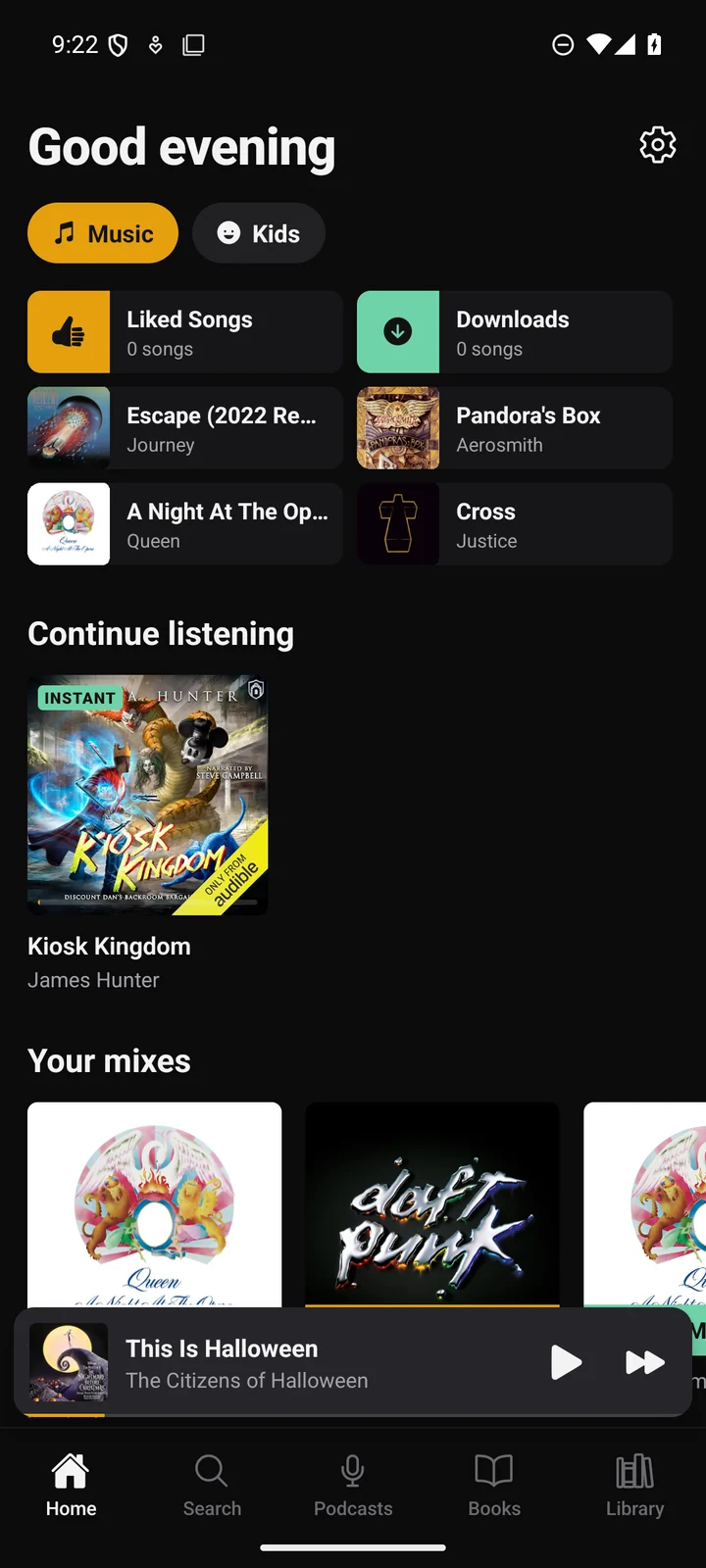
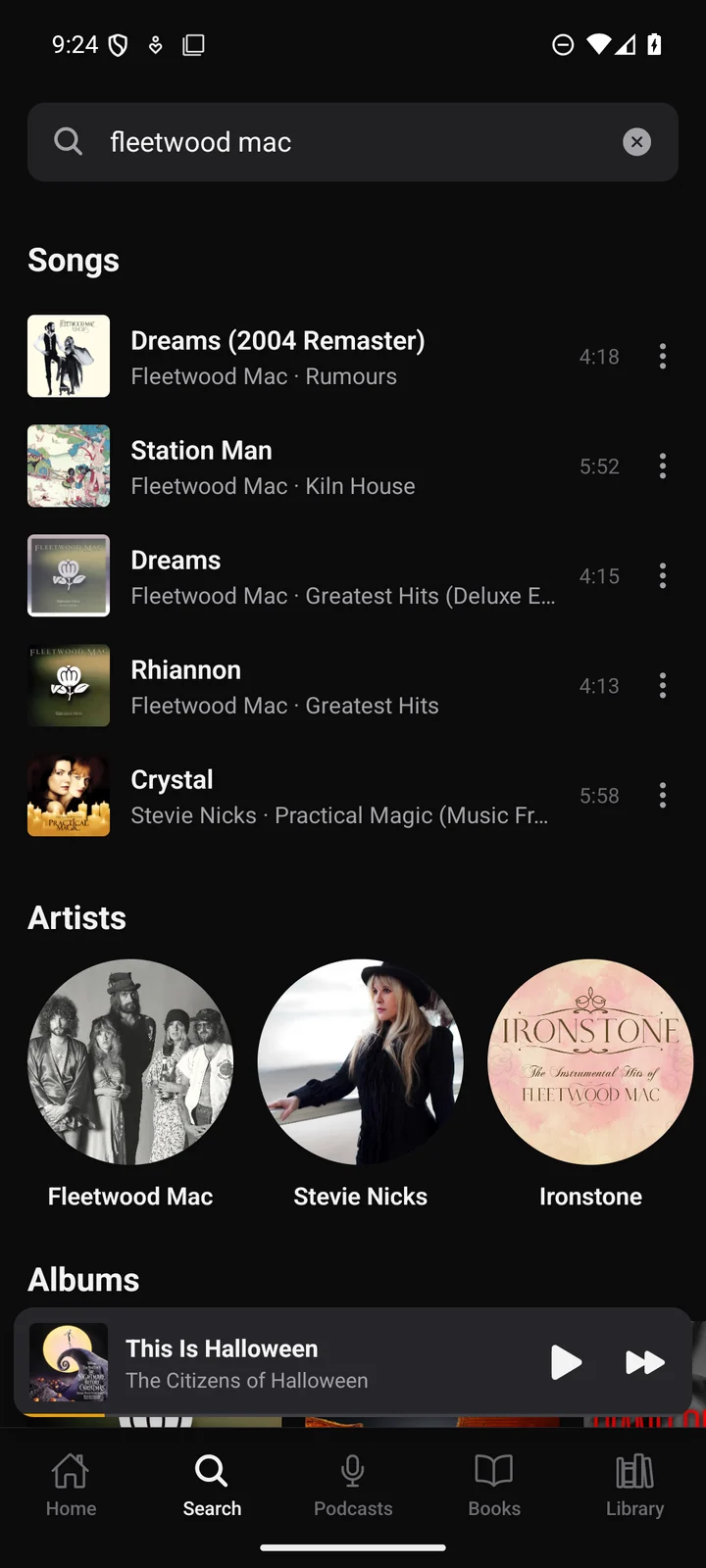
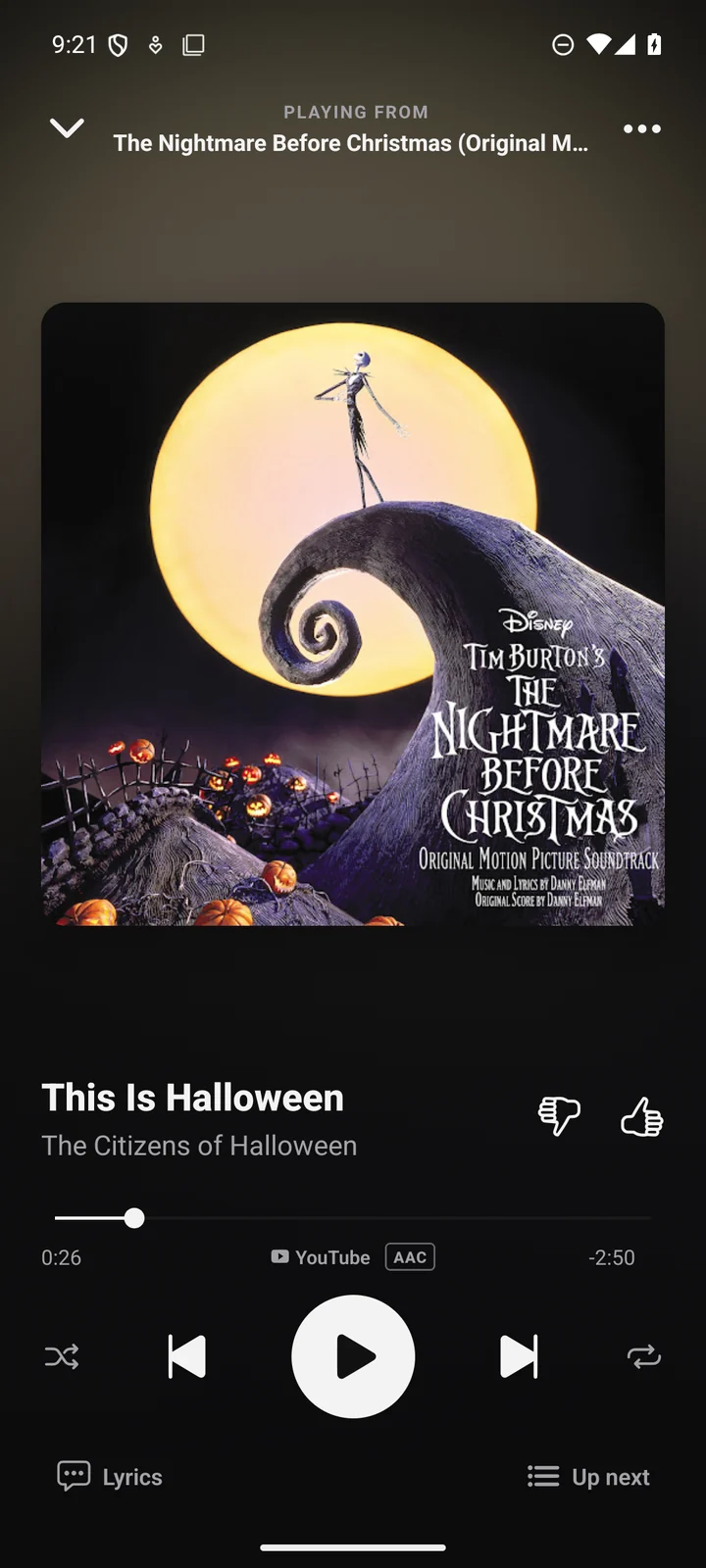
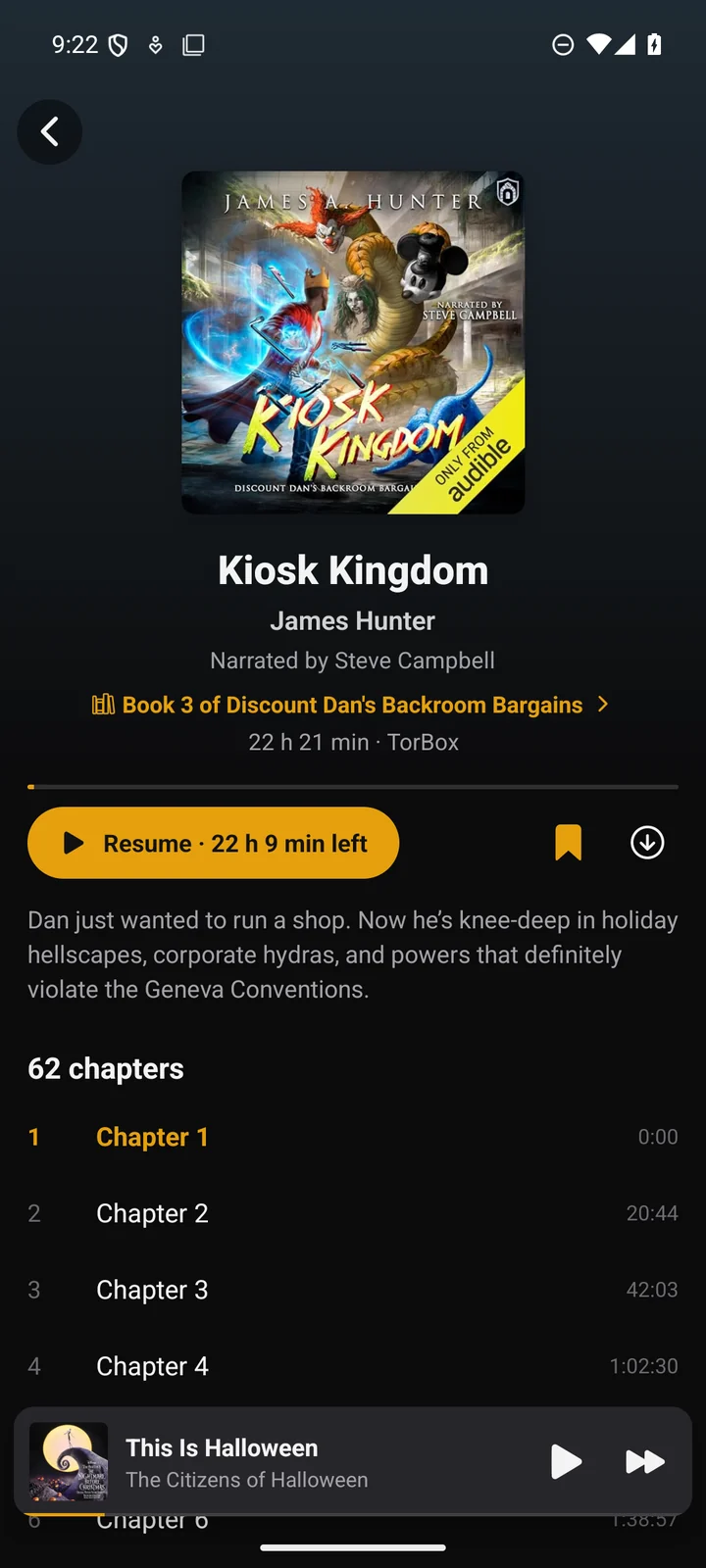
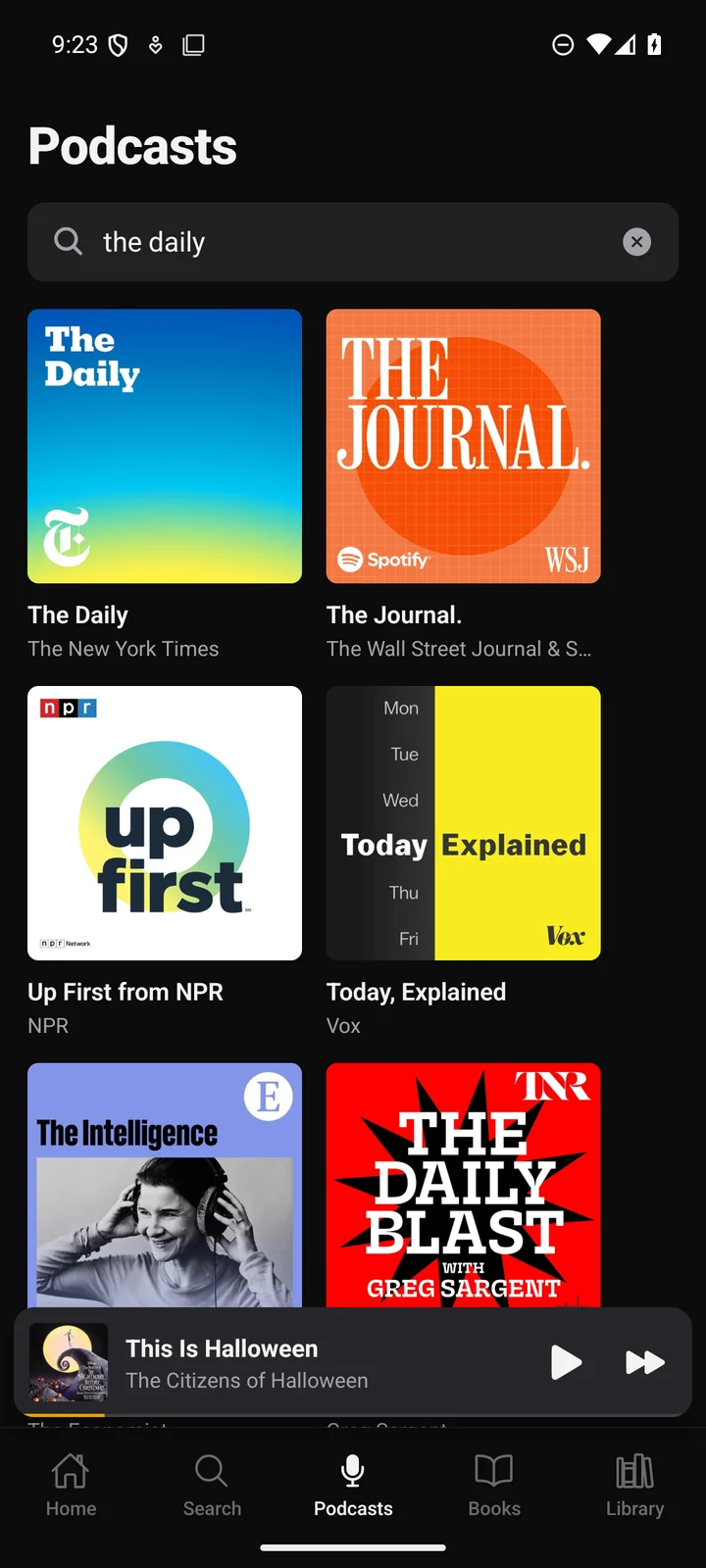
What it does
- MusicSearch any song, artist or album, and save what you like.
- RadioTap a song and similar music keeps playing. Thumbs up or down to steer it.
- AudiobooksYour place is saved in every book, and series stay in order.
- PodcastsNew episodes from the shows you follow, in one list.
- LyricsOn the Now Playing screen.
- DownloadsSave music and books to play offline.
- Sleep timerStops at a set time or the end of a chapter.
- Kids modeA separate home screen with the kids' music.
- Android AutoBrowse and search from the car screen.
- “Hey Lucy”Ask for a song by voice.
Install on iPhone
Lucify comes through Apple's TestFlight app. Enter your details and Apple will email you an invite.
- Open the email from App Store Connect and tap Accept. Sign in with your Apple ID.
- A TestFlight email follows. Open it on your iPhone and install Lucify.
No email after a few minutes? Check spam. Invites expire after three days; send the form again if that happens.
Install on Android
Download LucifyAndroid 8 or later
- Open the file when the download finishes.
- If Android warns about the file or asks for permission, allow your browser to install apps, then tap Install.
- Lucify updates itself after that. The first update asks you to allow installs from Lucify.